

Clear about payments
Nettat keeps track of payments. It does not move money. Record a transfer after it happens so the balances reflect what was actually paid.
 Nettat
The weekend away. Dinner with friends. Everyday life together. Keep track of who paid and who owes what, so you can get back to the good part.
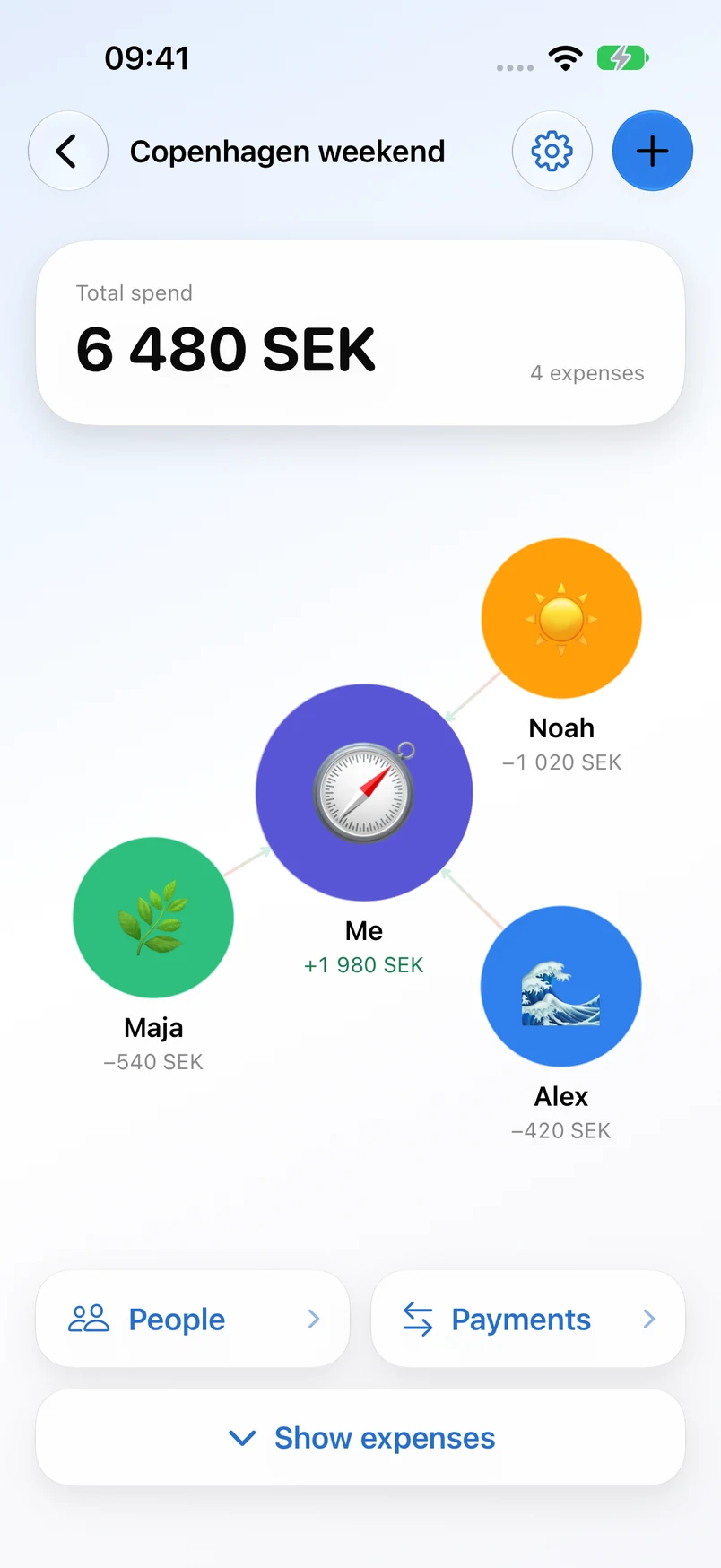
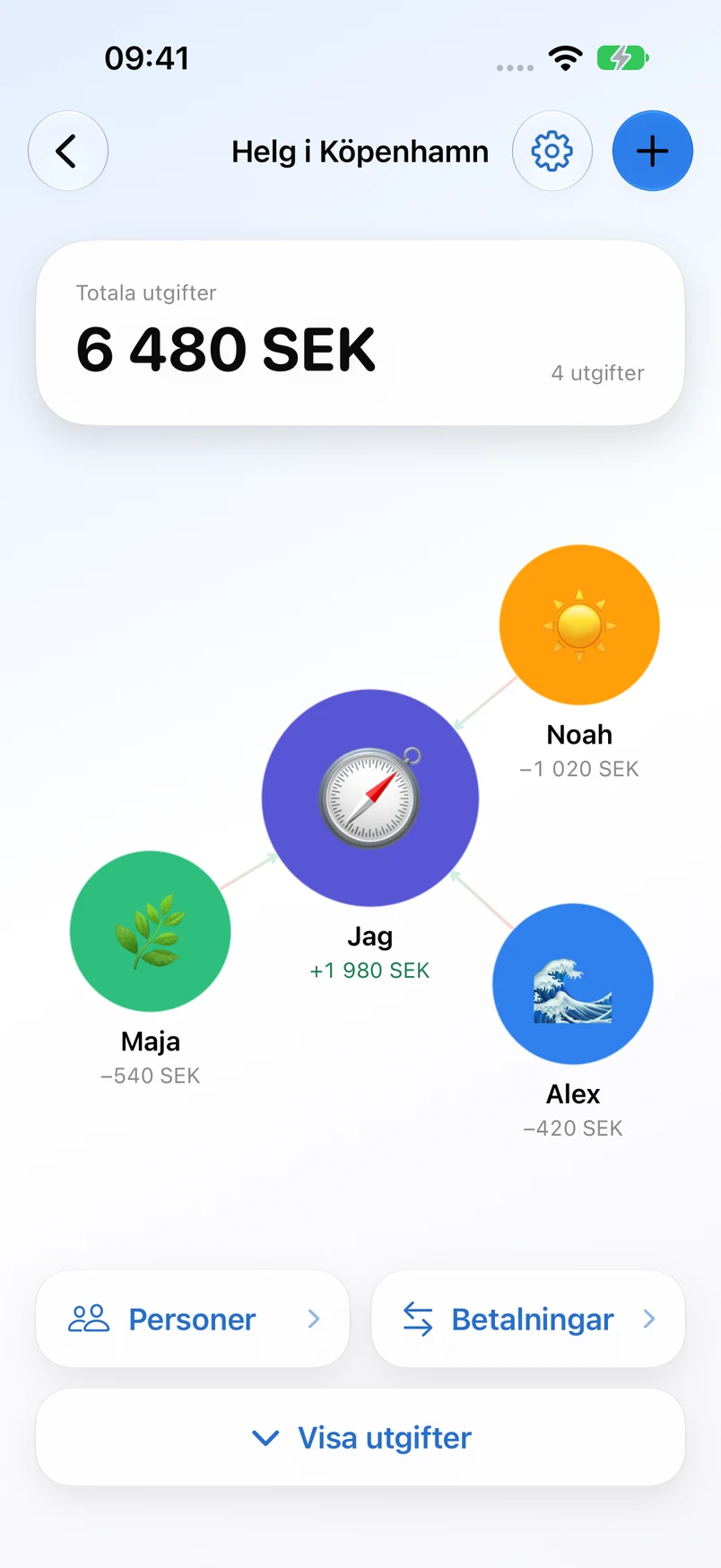
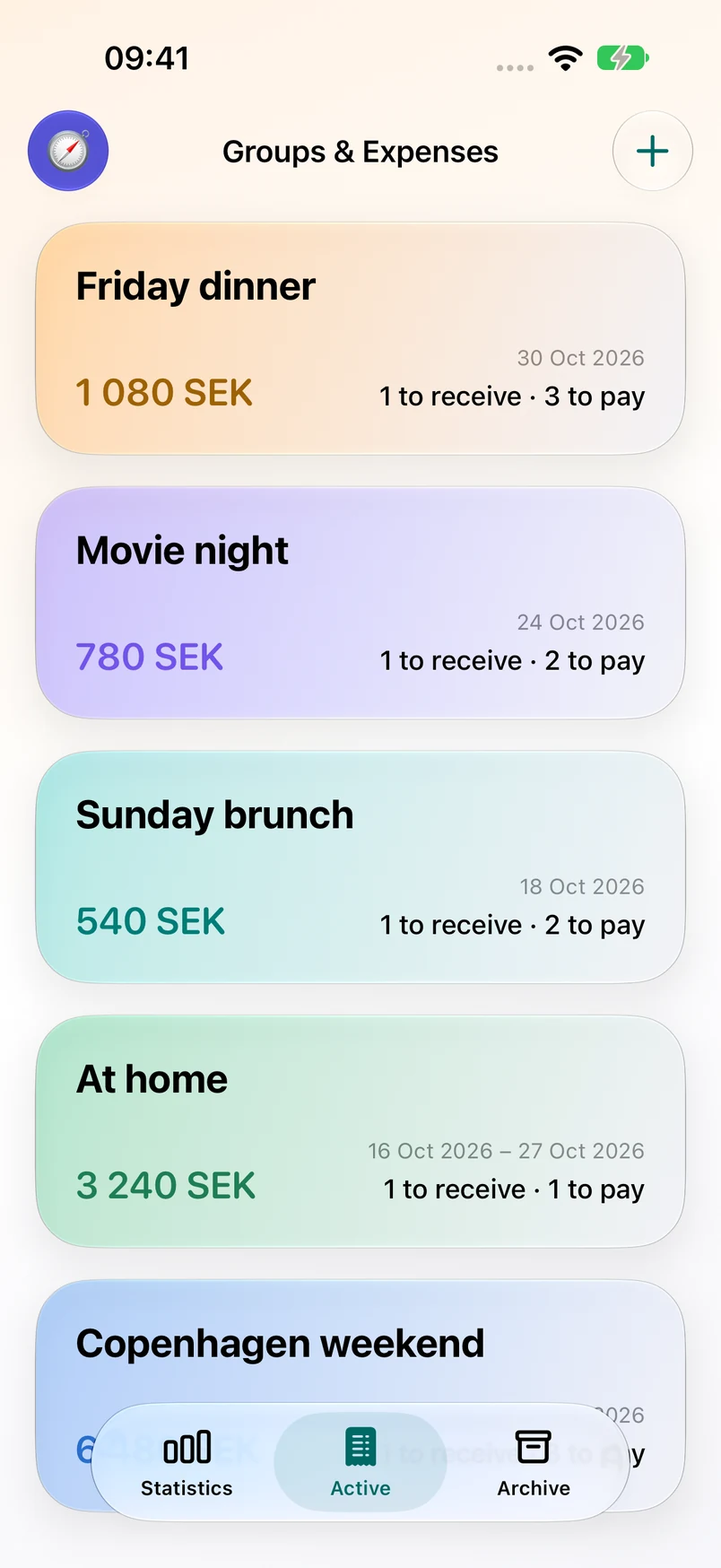
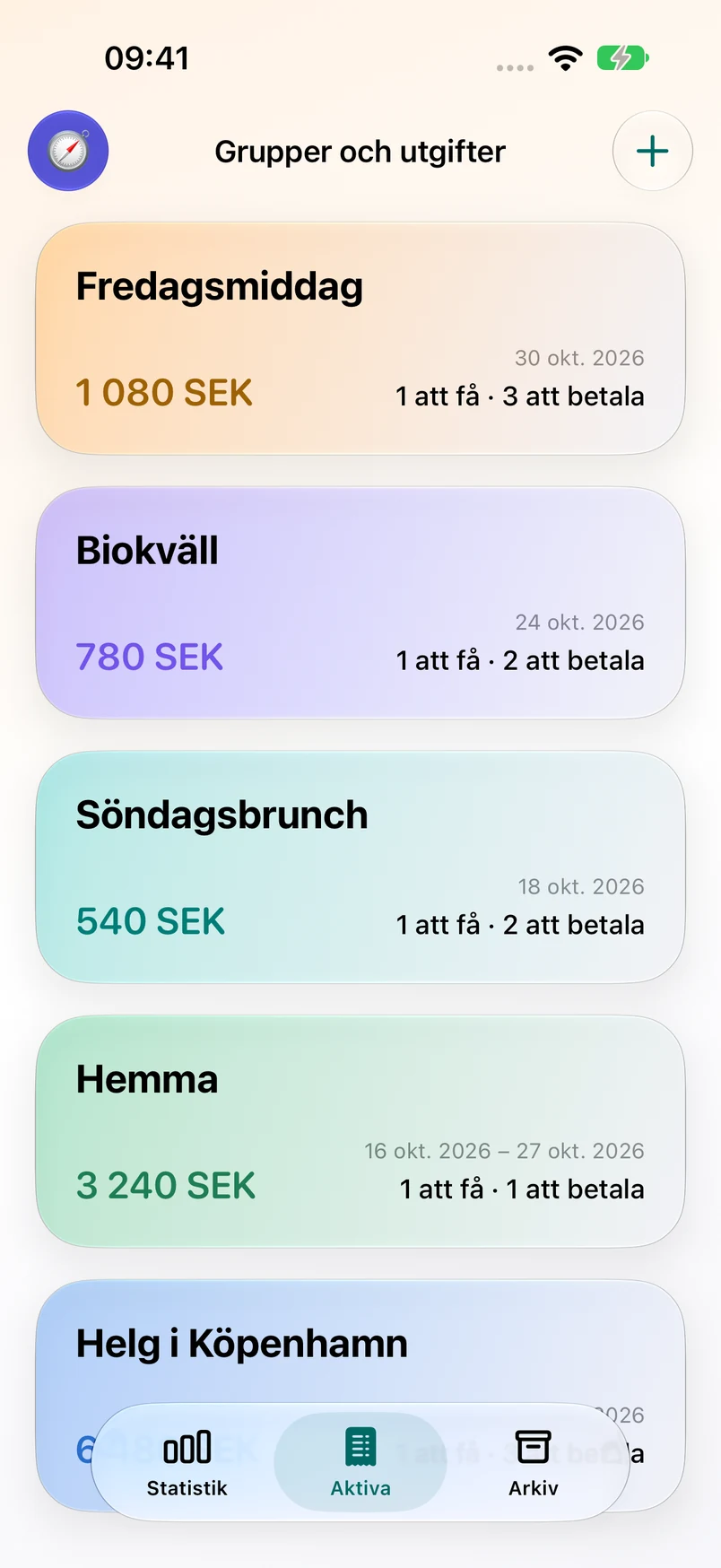
From the first coffee to the last taxi, keep the shared costs together.
Add your people and pick a color. Give the trip, household or evening a place of its own.
Enter an expense or scan a receipt. Choose who paid and who shares the cost.
See who owes whom. Pay using your usual payment method, then record it in Nettat.
Not everyone ordered the same thing. Assign receipt items to the people who shared them, or split the whole expense equally.
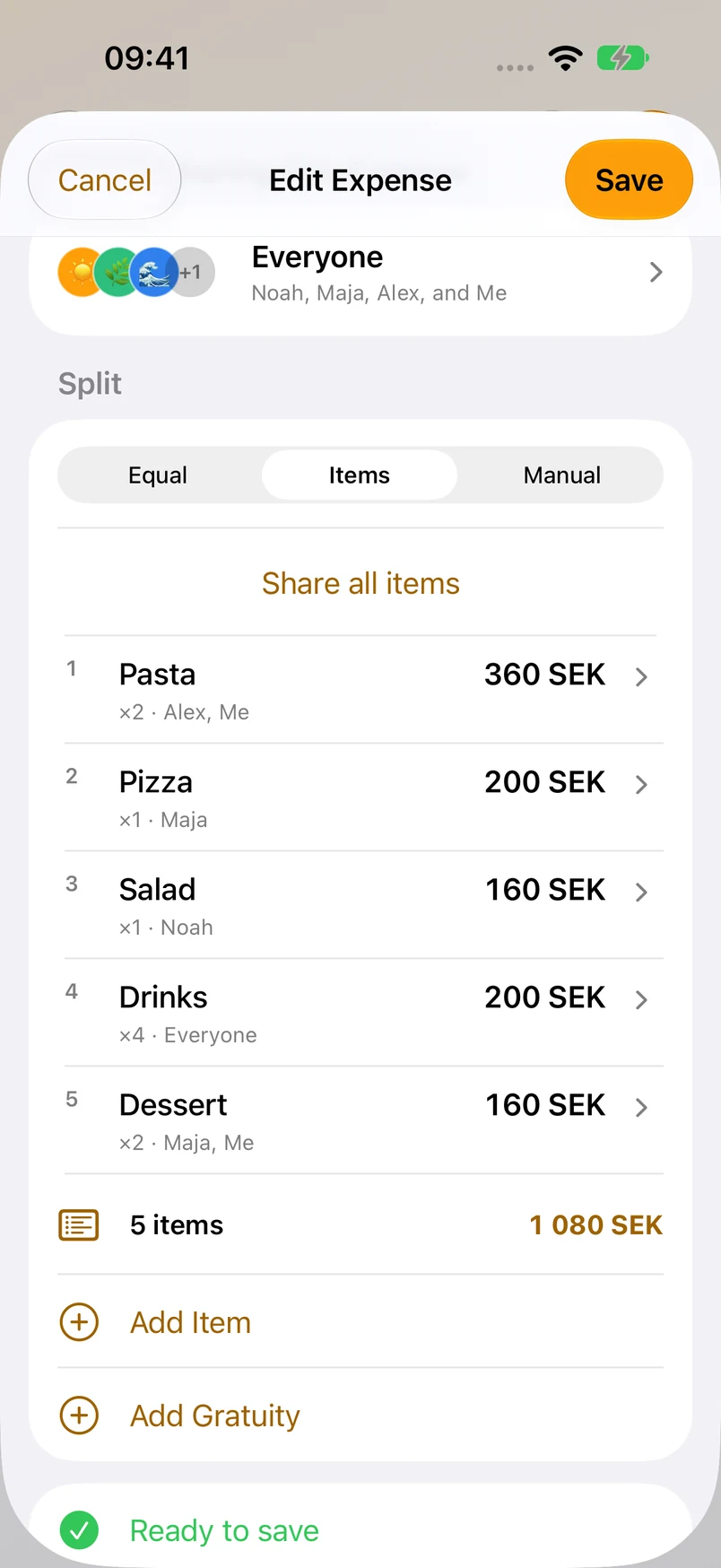
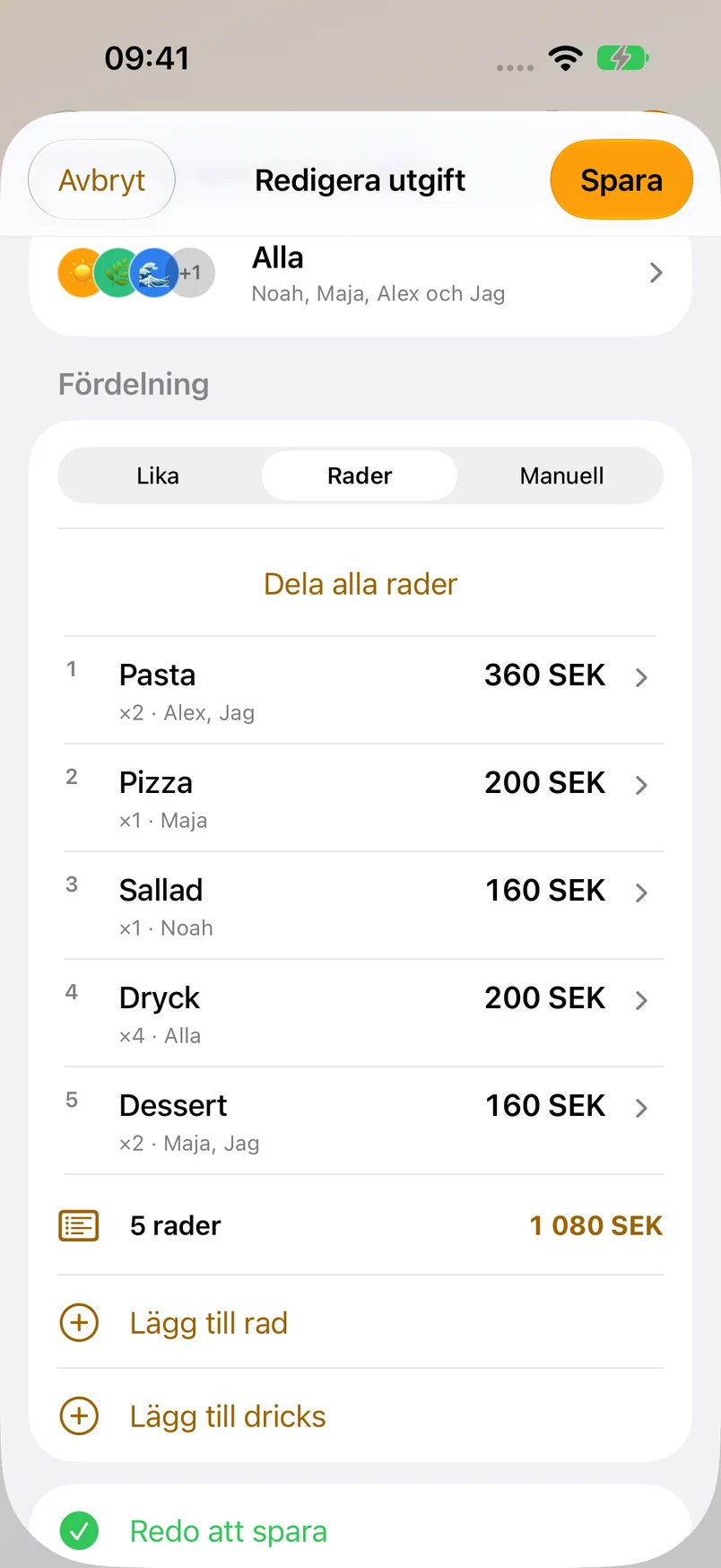
Friday dinner · Everyone gets their own share
Adjust an item’s name, quantity or price, and choose who shares it. The same dinner, with every detail in its place.
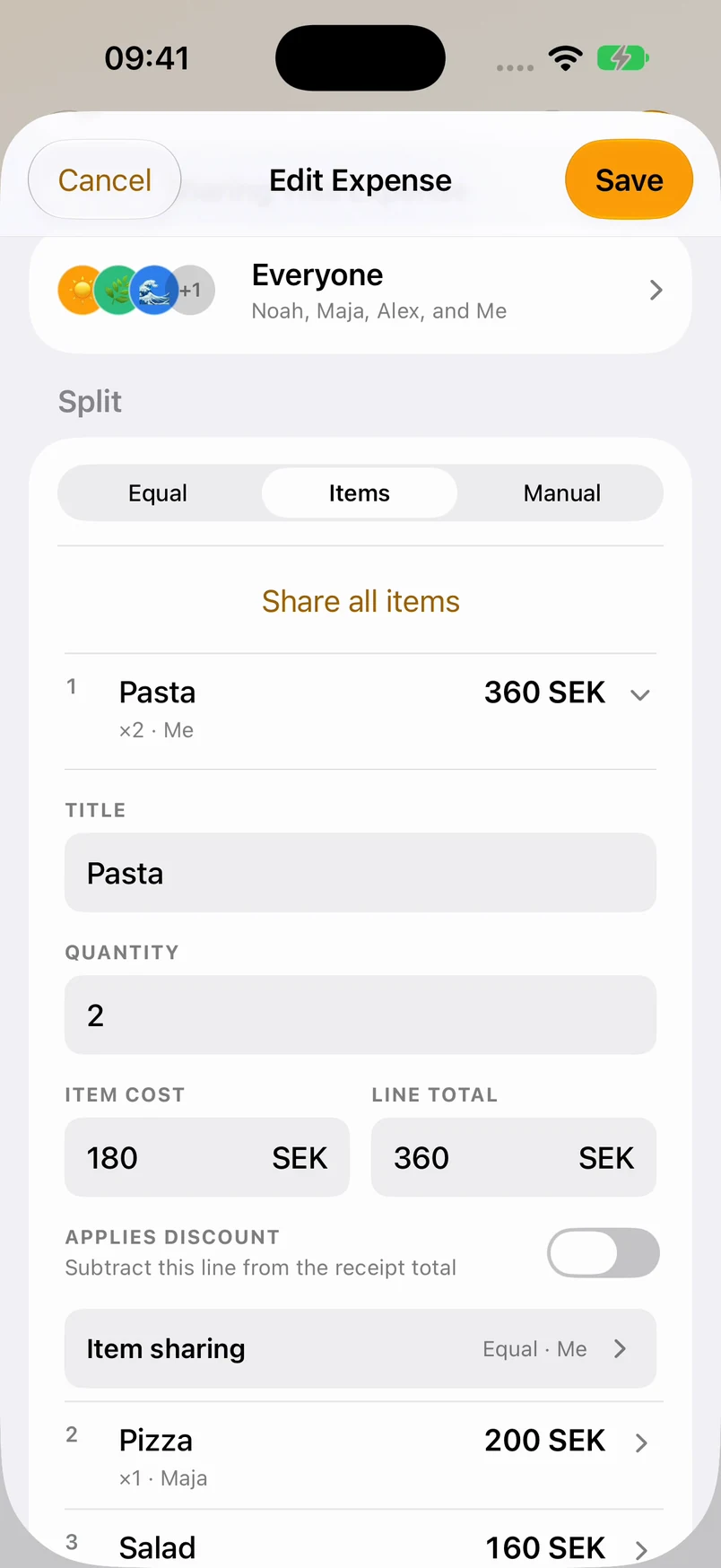
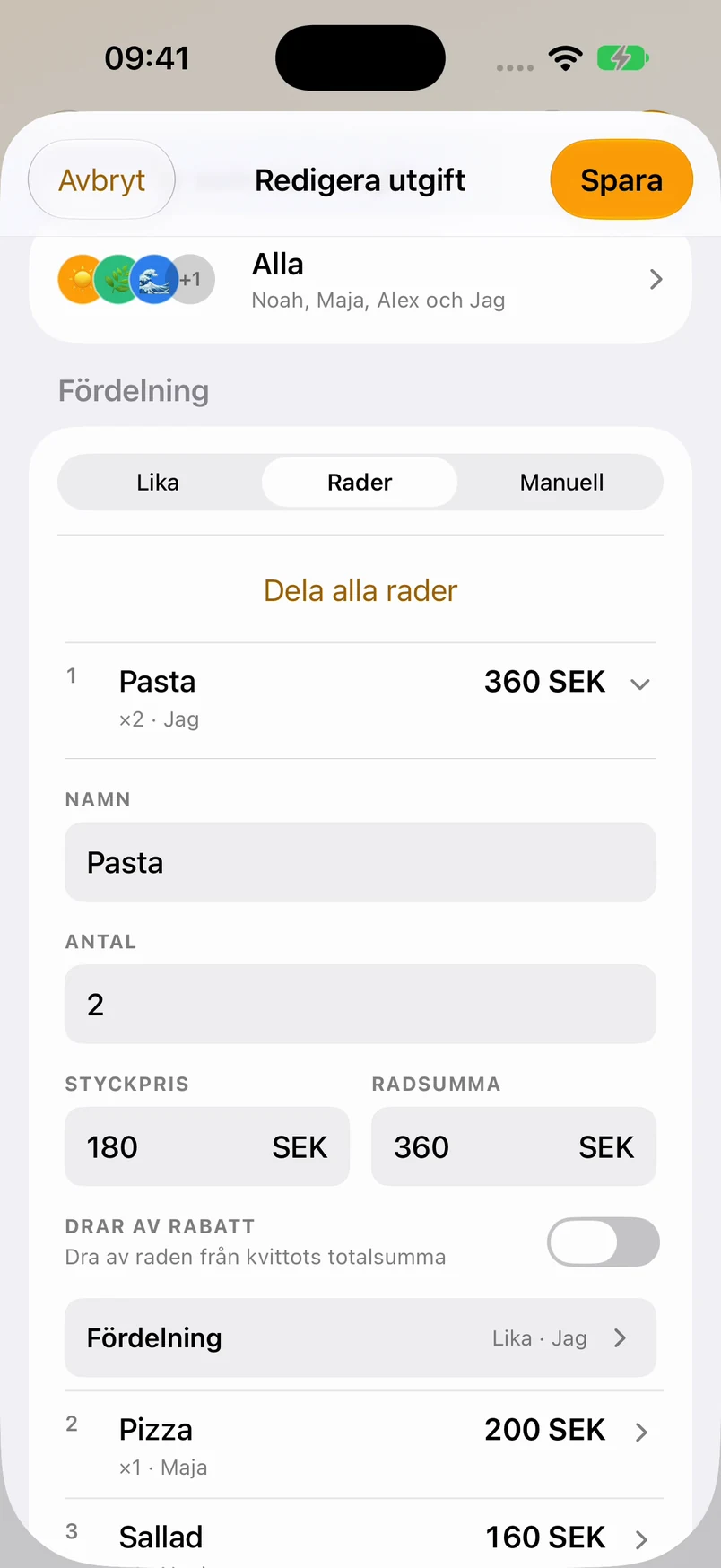
Friday dinner · Fine-tune an item
Groceries, dinners, weekends away. Statistics brings your share of the costs into focus, by category, month or year.
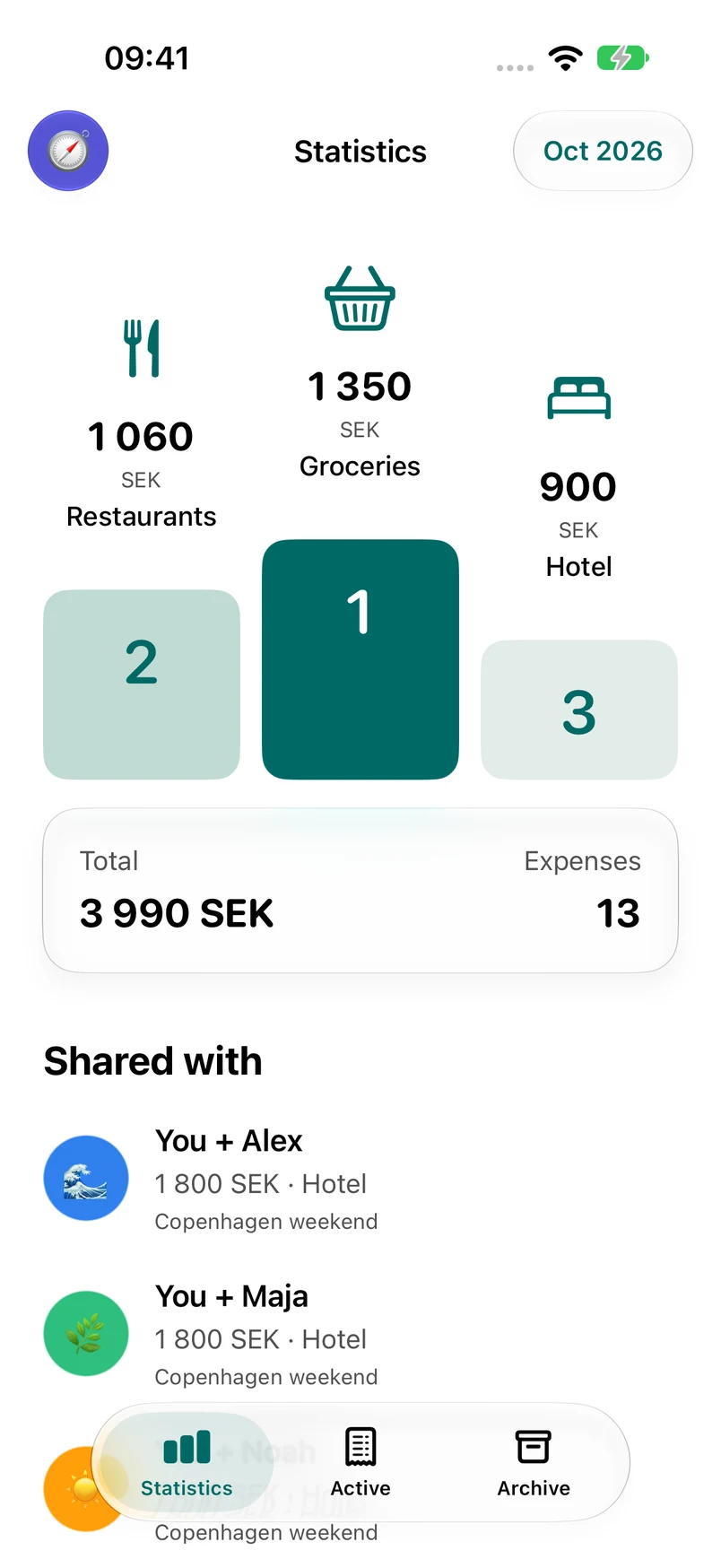
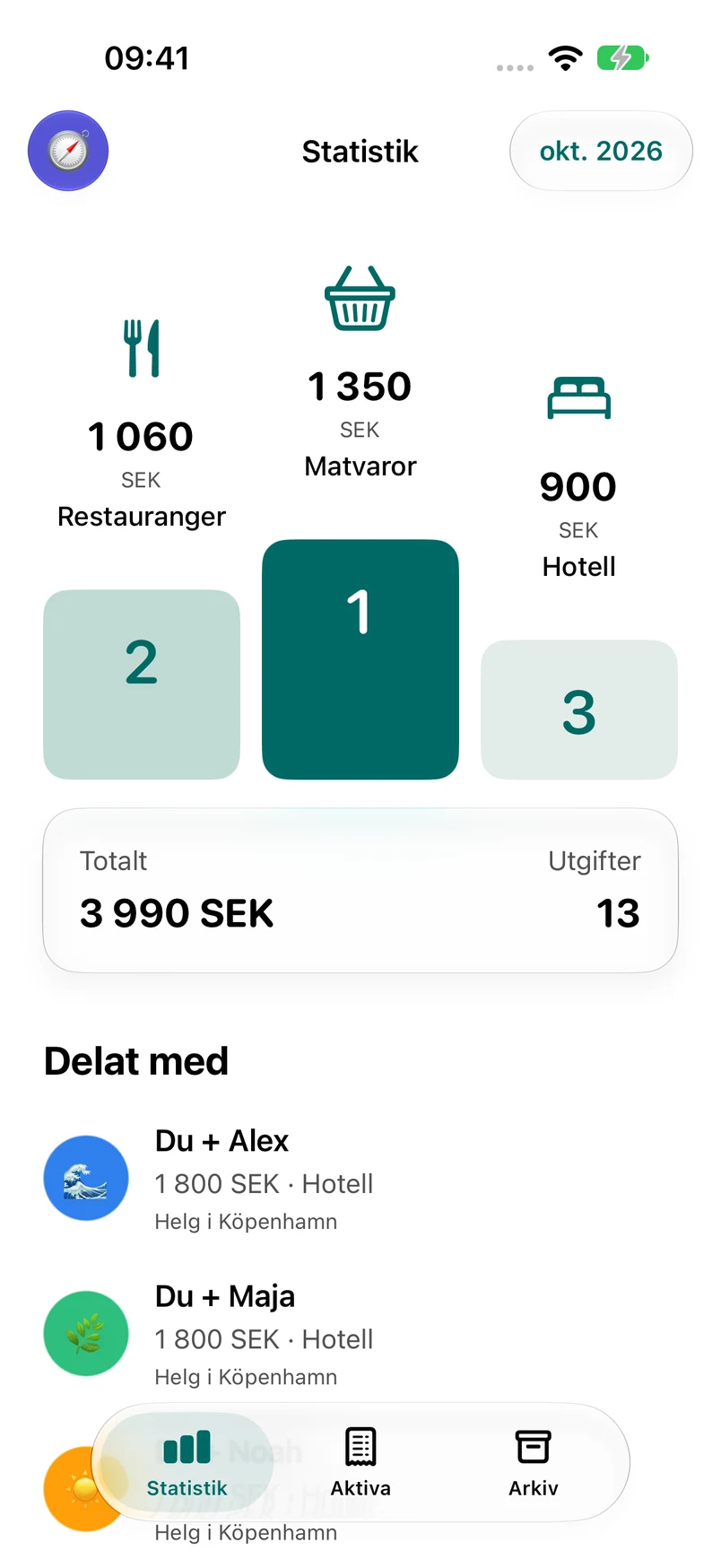
Statistics · Your share of October’s expenses
Look back over the months and see how your spending changes. Statistics counts your allocated share, so the whole Group’s bill doesn’t become your total.
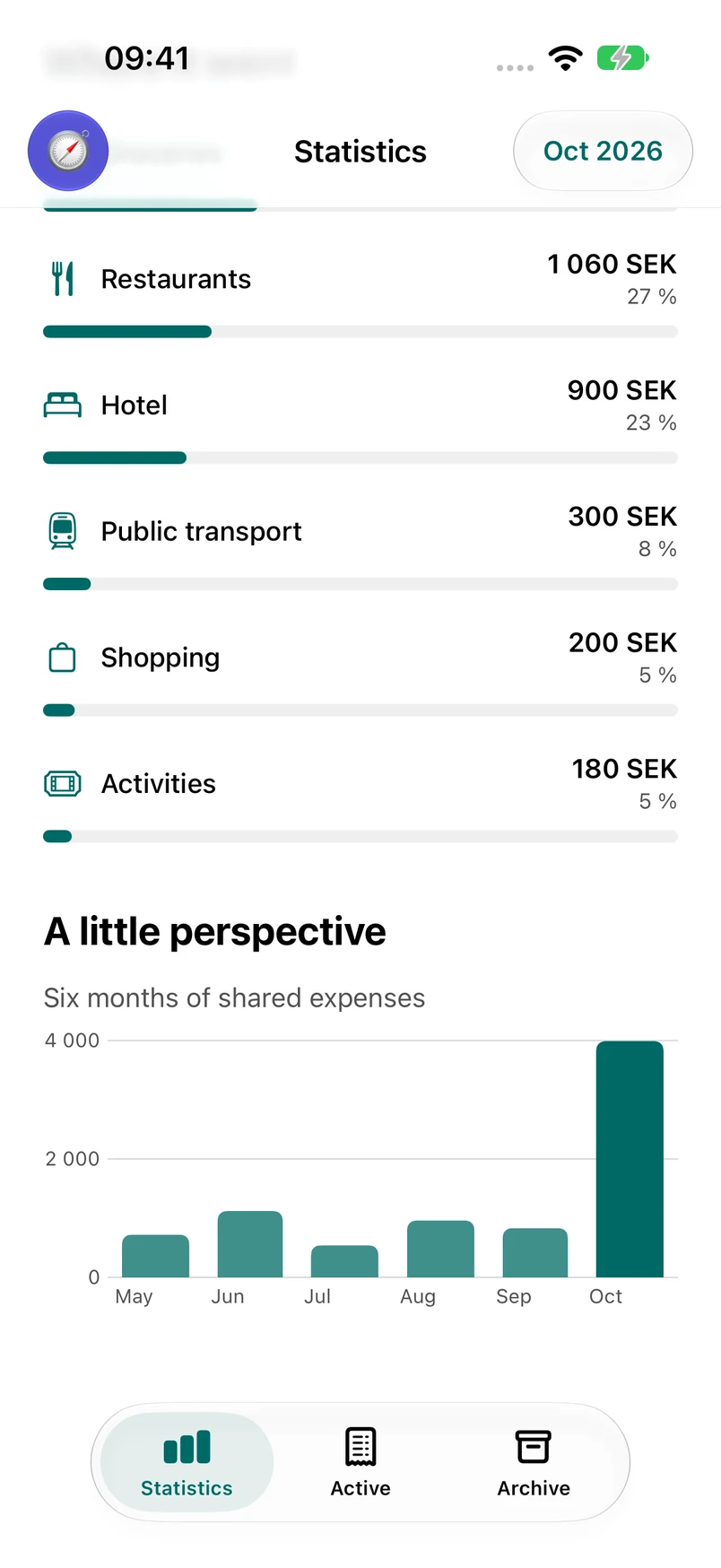
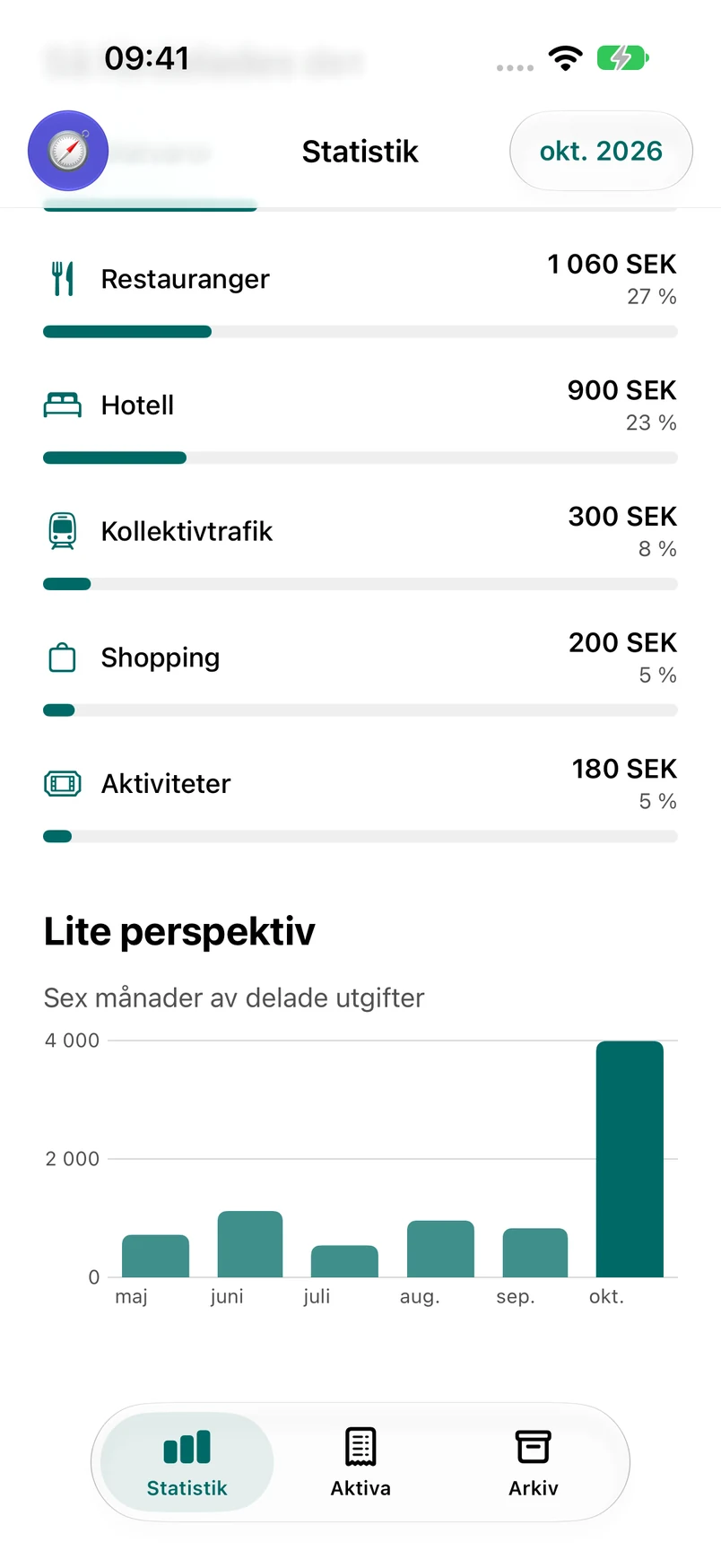
Statistics · A view across the months
See who should pay whom and how much remains. Once the money has been sent, record the payment in Nettat.
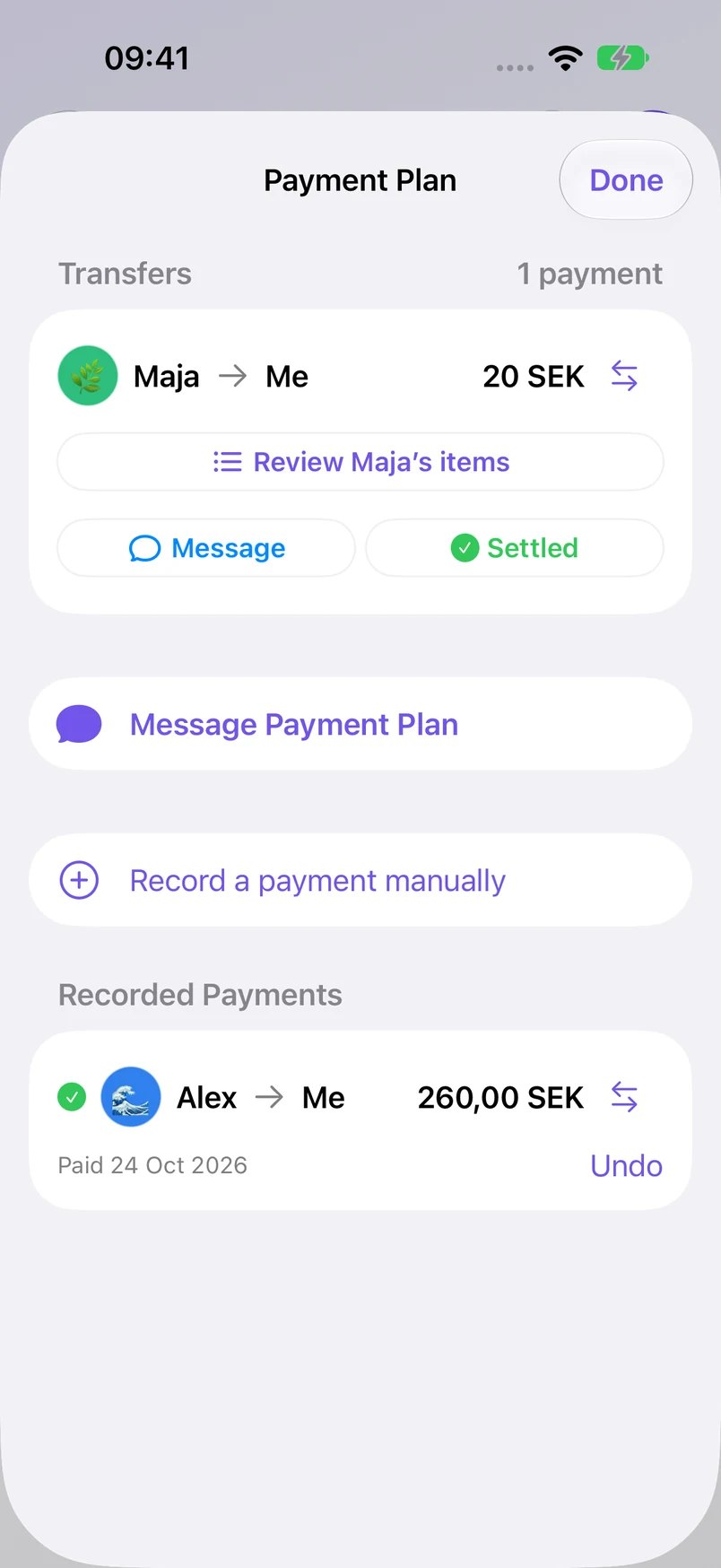
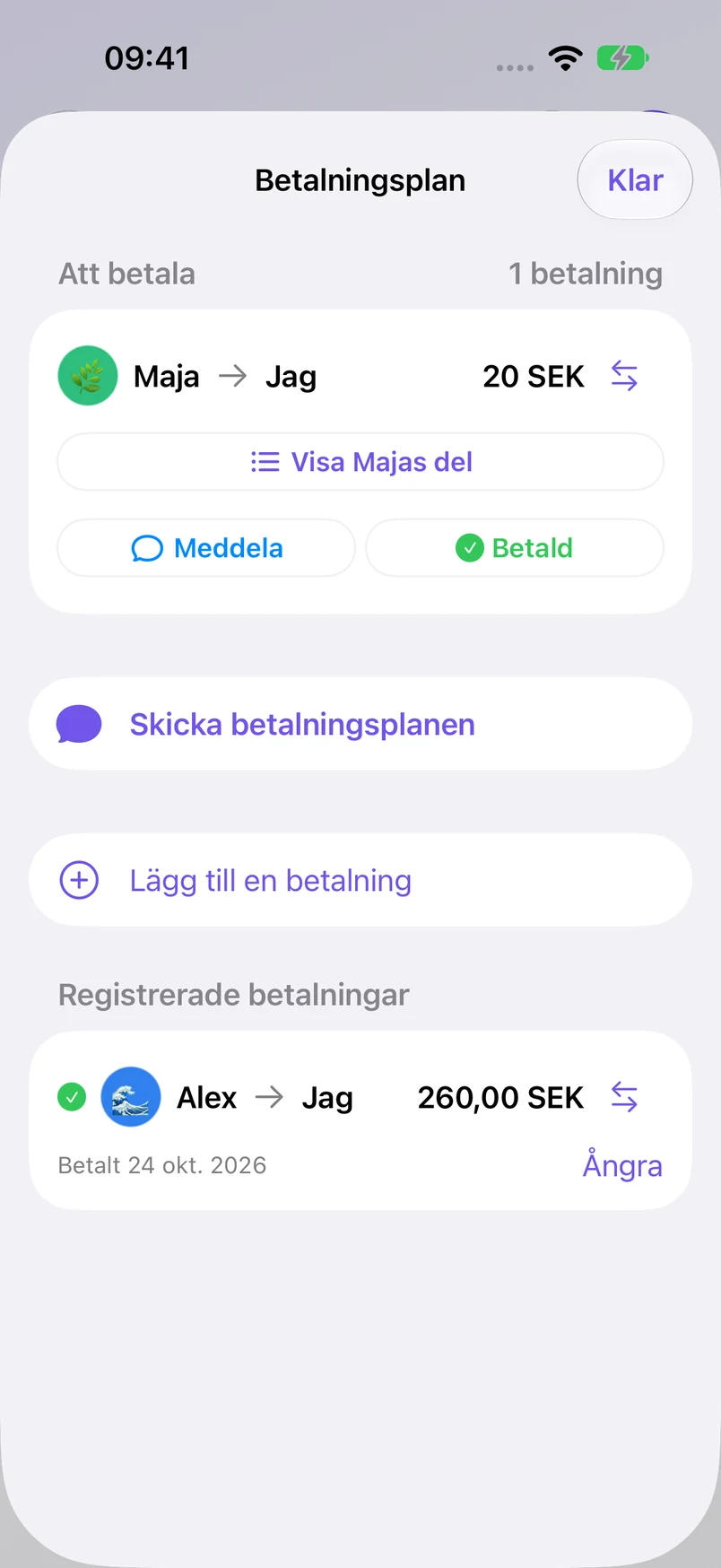
Movie night · One payment remaining
Once the last payment is recorded, the Group shows that everyone’s even. Your payment history stays together.
Movie night · Everyone’s even
Understand the numbers, choose what to share, and stay in control of access.
Read the Privacy PolicyNettat keeps track of payments. It does not move money. Record a transfer after it happens so the balances reflect what was actually paid.
Keep a Group private or enable collaboration so others can add expenses. Share a read-only link when someone only needs to see the details.
Receipt recognition happens on your device. Optional Apple Intelligence refinement runs only when you choose it for a receipt.
Owners and admins can replace or revoke read-only links. Anyone with an active link can see the shared details, including attached receipts.
Your next dinner, weekend or shared home. Start with Nettat on iPhone.
No. You can manage the expenses yourself and share a read-only link. Invite people to collaborate in Nettat when they want to add expenses too.
No. Nettat calculates a Payment Plan. Pay using your usual payment method, then record the amount actually sent, including partial payments. Nettat updates what remains.
Yes. Split it equally, assign receipt items to different people, or enter custom amounts. An expense can also have more than one payer.
Nettat keeps the original amount and converts it into the Group’s settlement currency, so costs from the same trip stay together.
Your allocated share of recorded expenses, grouped by category and period. It includes accessible archived history. Different currencies stay separate, and recorded payments are not counted as new spending.
An iPhone with iOS 18 or later. Download Nettat from the App Store, create an account and verify your phone number. The app is available in English and Swedish.
Nettat
Nettat is loading the latest read-only payment plan.
Payment plan